Video Calls with Your Team Beta
Overview
Any team chat can turn into a video call. Show a technician what you’re looking at, walk the front desk through a job, or just talk instead of typing. Calls run inside the Kairvio app between your own team members. There’s no public link, so nobody outside your team can join.
Team video calls are in beta, alongside Team Chat. If you don’t see the camera button in a chat, email support@kairvio.com.
Starting a call
- Open Team and open the chat with the people you want to call. That can be a direct chat, a group or Everyone.
- Tap the camera button next to the message box.
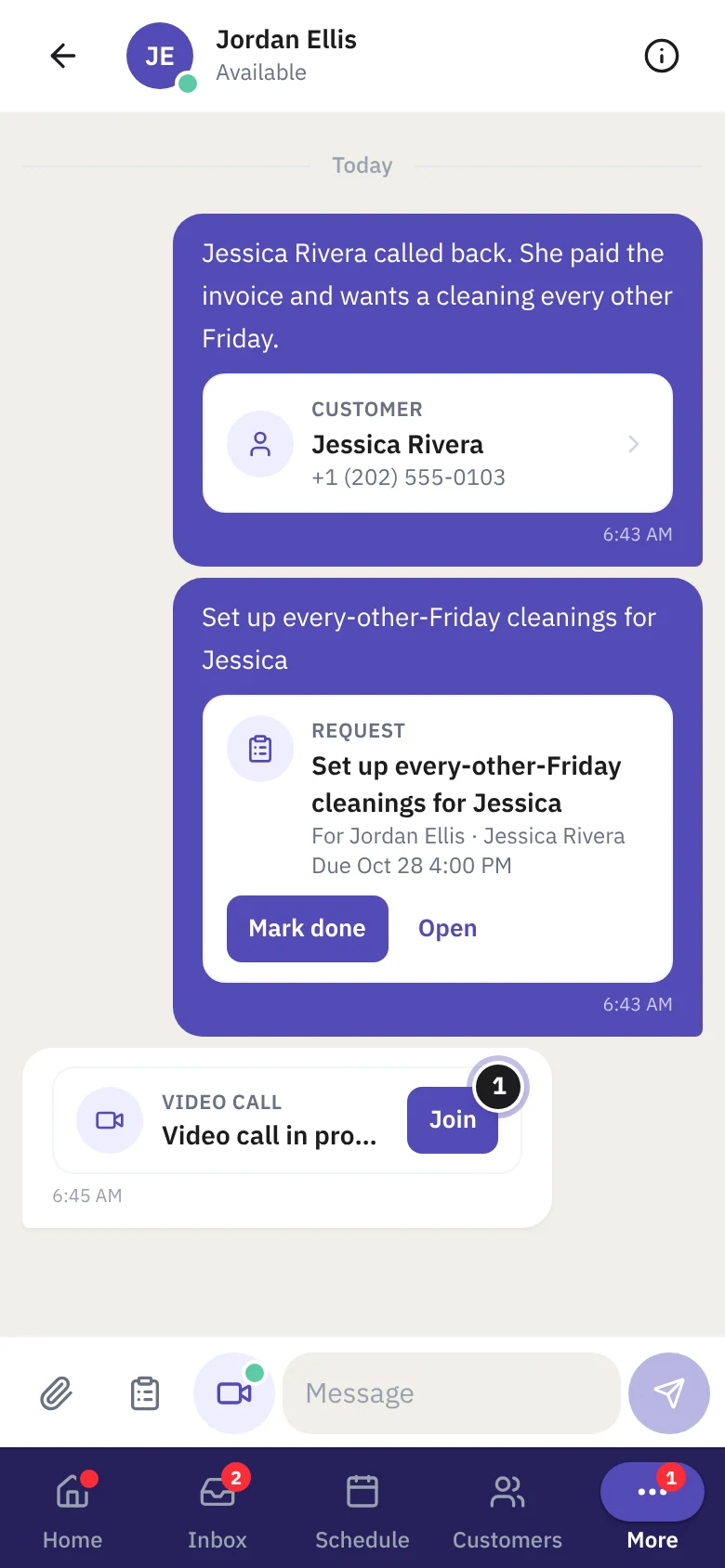
- The call opens on your screen, and everyone else in the chat gets a notification with Join.
You can also start one from People: tap the person, then Start a video call.
Joining a call
While a call is live, it shows as a Video call in progress card in the chat. Tap Join on the card, or on the notification.
During the call
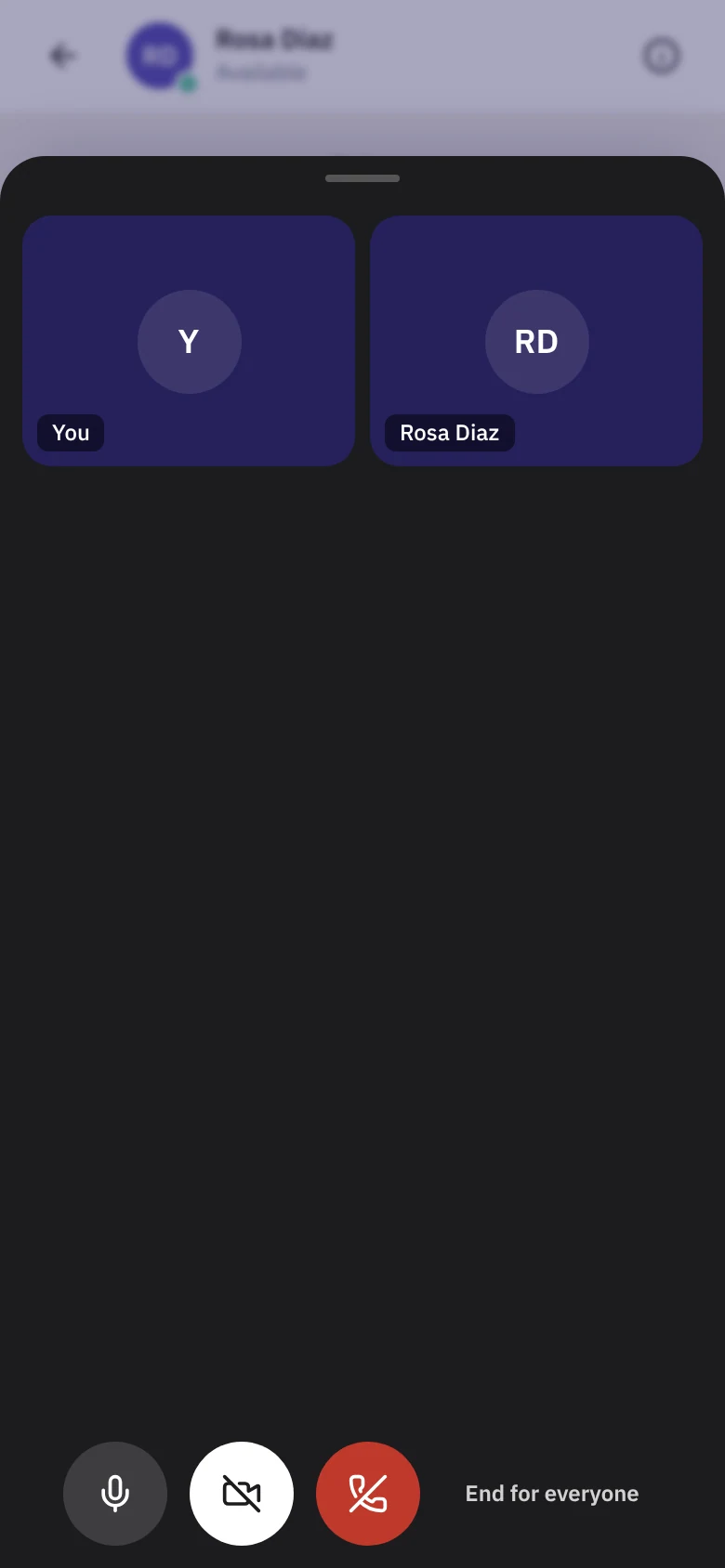
The buttons at the bottom:
- Microphone: mute and unmute yourself.
- Camera: turn your video off or on. With everyone’s camera off, it’s an audio call.
- Share screen (on a computer): show your screen to the others.
- Leave (red): leave the call. The others can keep talking.
- End for everyone (whoever started the call): end it for the whole chat.
If your signal dips, a Reconnecting… banner shows until you’re back. If everyone else leaves, the call tells you you’re the only one there, and it ends after a while alone.
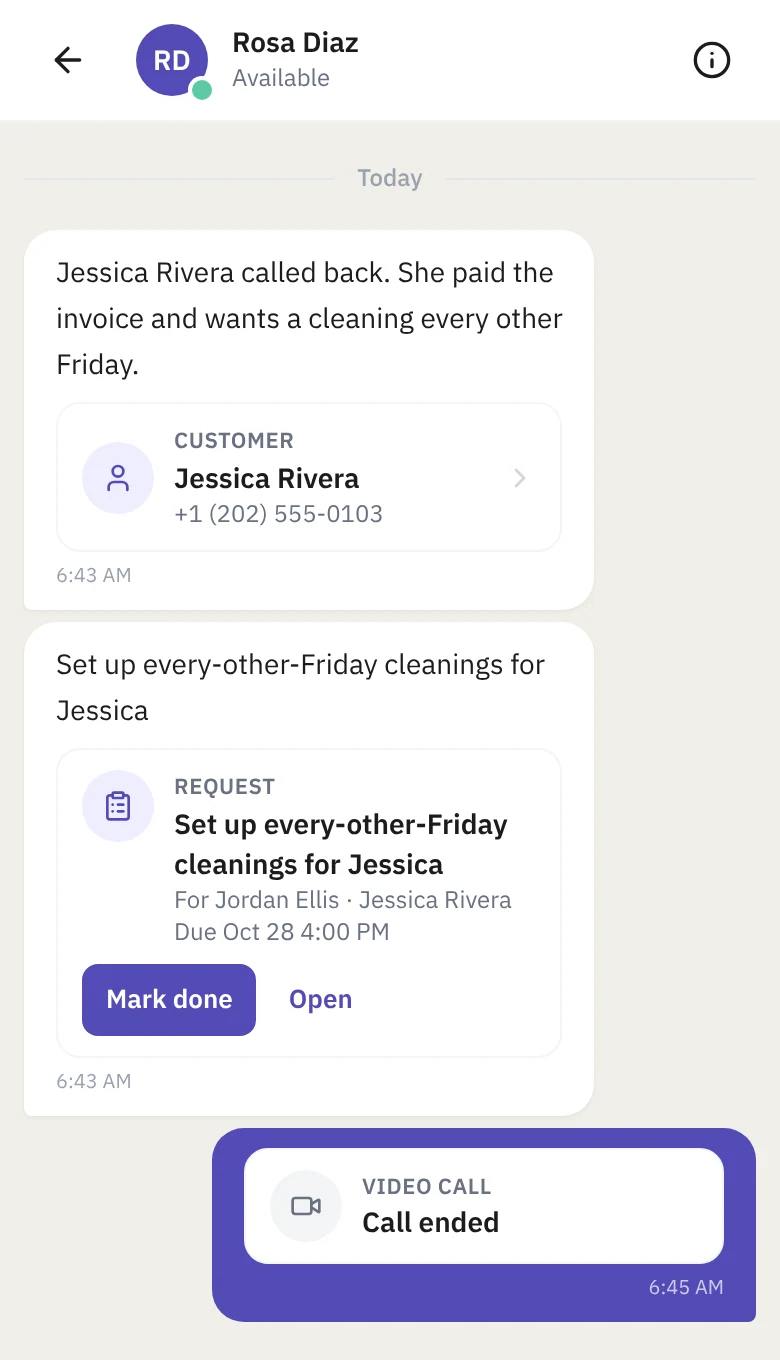
When the call is over, the card in the chat changes to Call ended.
Limits
- Up to 4 people in a call.
- About 90 minutes per call.
- 300 team call minutes a month for your business. When they run out, the camera button says video is paused until next month.
Who can use it
Anyone who can use Team Chat can start or join a call in their own chats. Calls are only ever between people on your team: there’s no link to send a customer, and Kairvio support can’t be added to a call.
Tips
- Turn your camera off on a weak connection. Audio holds up much better than video.
- On a job site, point your phone at the problem instead of describing it.
- Use a group chat like “Crew A” to call the whole crew at once.
Quick answers
The camera button says “Video isn’t set up yet”. Video is a separate switch for your account. Email support@kairvio.com.
It says “Video is paused until next month”. Your business has used its 300 team call minutes this month. They reset on the 1st.
Someone can’t join. The call may be full (4 people), or they aren’t in that chat. Add them to the chat, or start the call from a chat they’re in.
Can I video call a customer? Not from team chat. That’s a separate feature for jobs and Inbox conversations.